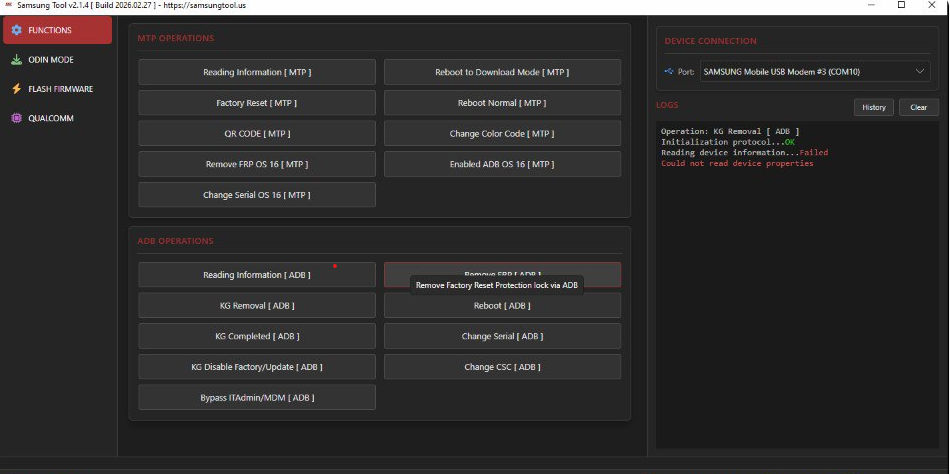
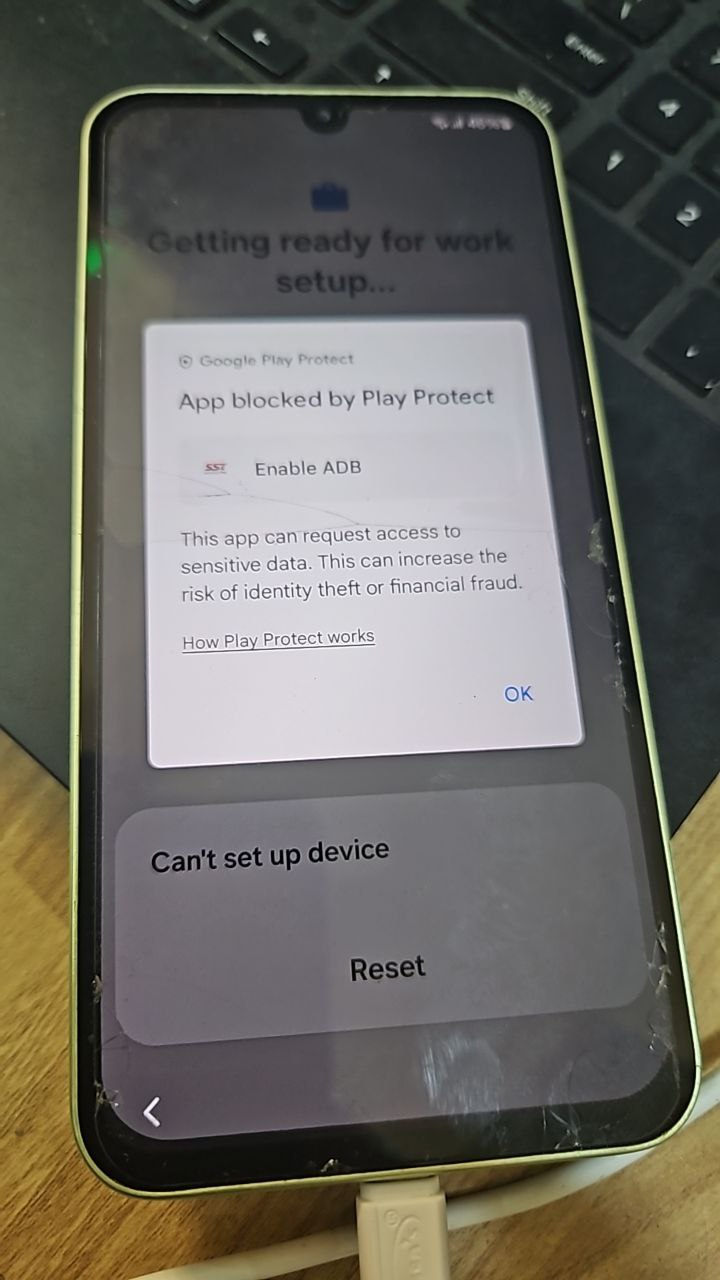
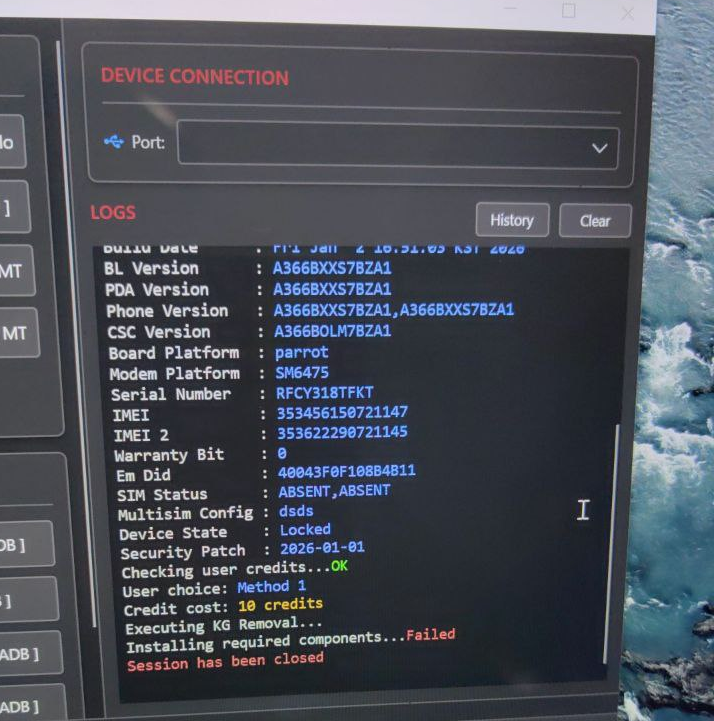
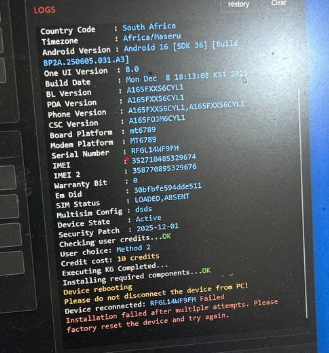
🆕🔄 SAMSUNG TOOL v2.1.6.0 🔄 (Build: June 3, 2026)
What is news?:
Fixed:
• Fixed somebugs
Added:
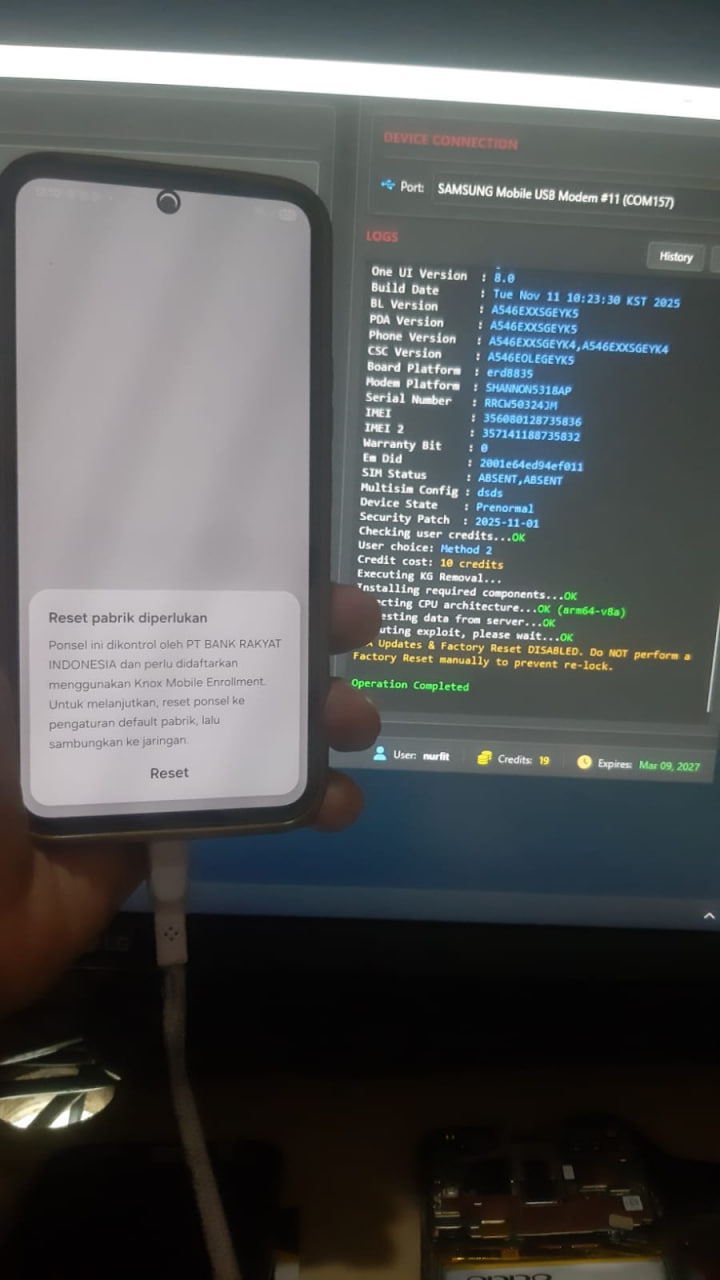
• Added FRP Removal [EXYNOS]
• Added Samsung Auto detect model loader files
Added Reset FRP (EDL / Qualcomm) — Added Reset FRP support via EDL mode for the following devices:
• Samsung Galaxy A05s (SM-A057F) (Bit C)
• Samsung Galaxy A05s (SM-A057F) (Bit D)
• Samsung Galaxy A05s (SM-A057G) (Bit A)
• Samsung Galaxy A05s (SM-A057M) (Bit E)
• Samsung Galaxy A23 (SM-A235F) (Bit E)
• Samsung Galaxy A23 (SM-A235M) (Bit E)
• Samsung Galaxy A23 (SM-A235M) (Bit F)
• Samsung Galaxy A23 (SM-A235N) (Bit B)
• Samsung Galaxy A23 5G (SM-S236DL) (Bit G)
• Samsung Galaxy M23 5G (SM-M236B) (Bit E)
• Samsung Galaxy S21 5G (SM-G991U) (Bit J)
• Samsung Galaxy S21 FE 5G (SM-G990U) (Bit M)
• Samsung Galaxy S21 Plus 5G (SM-G996U) (Bit J)
• Samsung Galaxy S21 Ultra 5G (SM-G998U) (Bit J)
• Samsung Galaxy S22 Ultra (SM-S908U) (Bit 9)
• Samsung Galaxy S23 Ultra (SM-S918B) (Bit 9)
• Samsung Galaxy S23 Ultra (SM-S918N) (Bit 7)
• Samsung Galaxy S23 Ultra (SM-S918U) (Bit 7)
• Samsung Galaxy S24 (SM-S921U) (Bit 5)
• Samsung Galaxy S24 Plus (SM-S926U) (Bit 5)
• Samsung Galaxy S24 Ultra (SM-S928B) (Bit 5)
• Samsung Galaxy S24 Ultra (SM-S928N) (Bit 5)
• Samsung Galaxy S24 Ultra (SM-S928U) (Bit 5)
• Samsung Galaxy Tab A9 (SM-X210) (Bit 9)
• Samsung Galaxy Tab A9 Plus (SM-X216B) (Bit B)
• Samsung Galaxy Z Flip 5 (SM-F731U) (Bit 7)
• Samsung Galaxy Z Fold 6 (SM-F956U) (Bit 3)
This solution has been tested on several newer chips such as Exynos 1580, 2400, and 2500.
However, if you encounter any problems, you can message support to add the necessary models if errors occur.
Support & Feedback:
If you find any bugs or unexpected behavior, please report them to our Telegram channel or website — your reports help us fix issues faster.
💙 Official Telegram: https://t.me/samsungtool
🌐 Website: https://samsungtool.us